Make sure you have the Gmail app installed, and open it.
If you don’t already have any email accounts set up on your Gmail app, You should be greeted with the following screen:
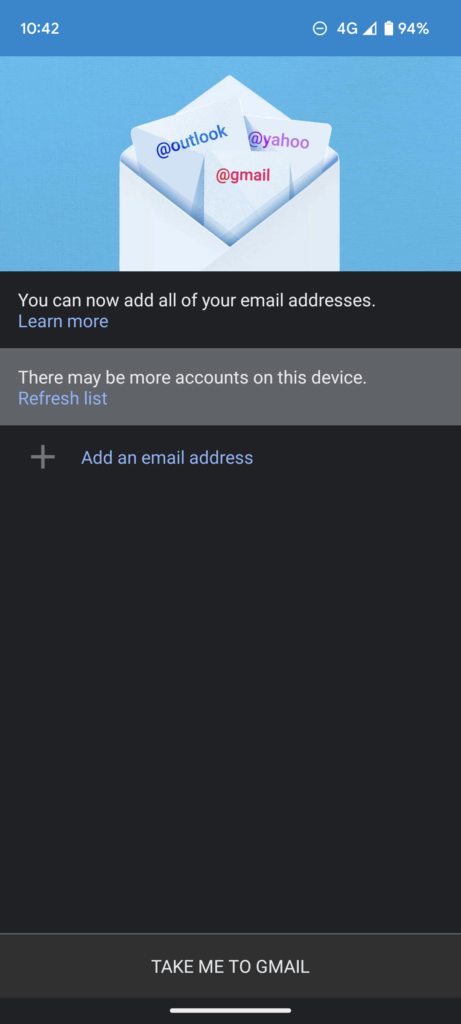
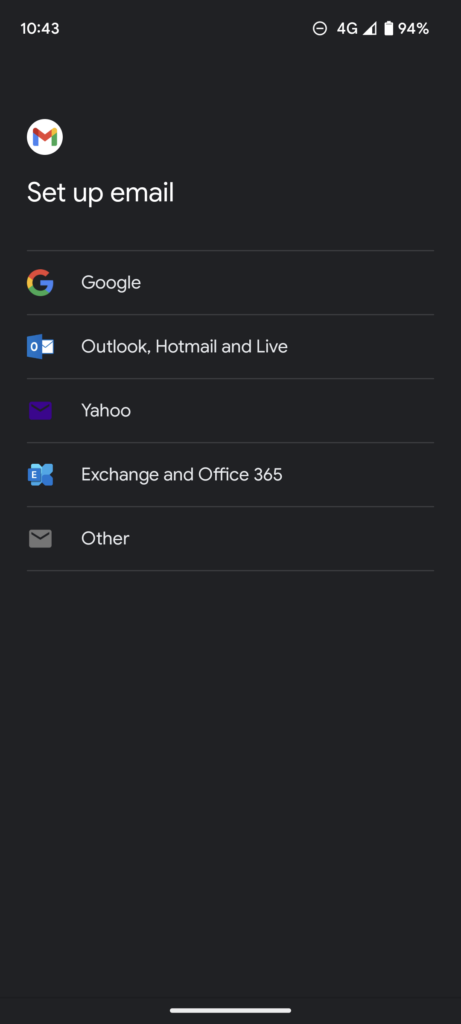
If you are taken to the screen above, click “Add an email address”, you’ll be taken to the following screen:
Scroll down until you see it again.
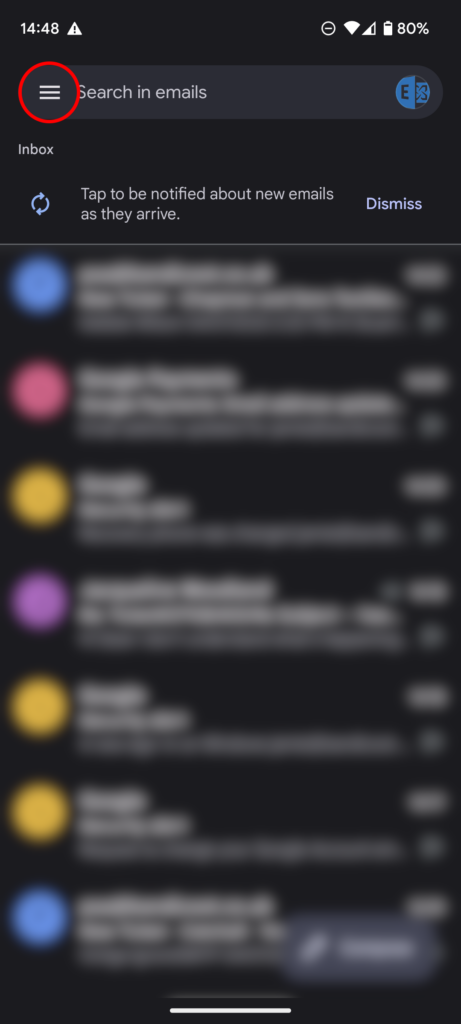
If you already have an email account set up on the app, and are taken to your mailbox, click the menu button:
Scroll to the bottom of the menu and click “Settings”:
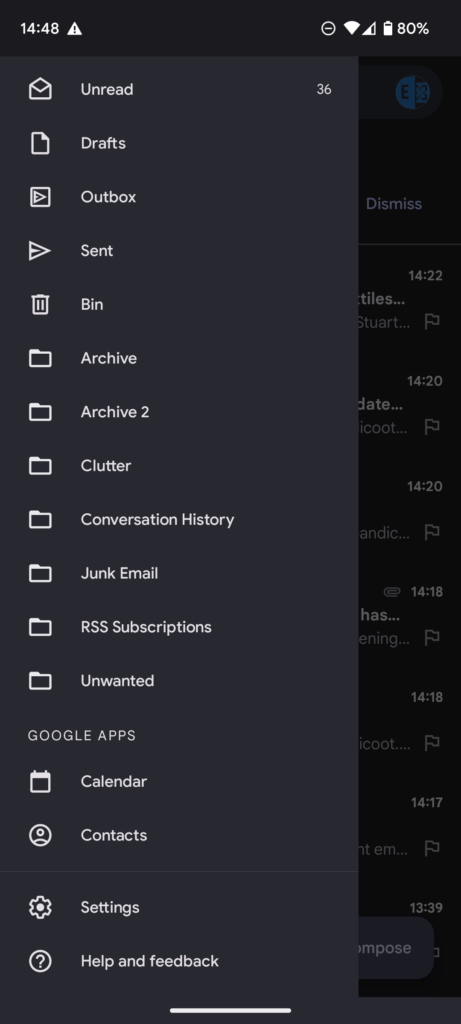
Click “Add account”.
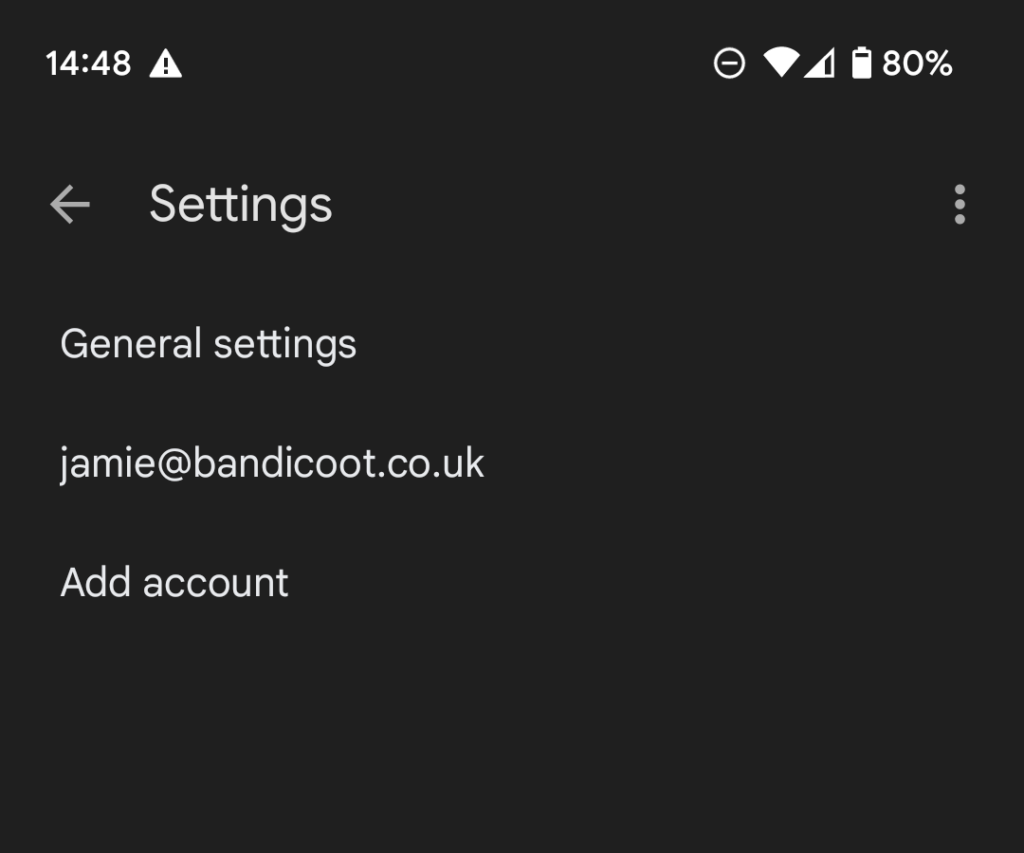
You should now be taken to the screen at the beginning of the article:
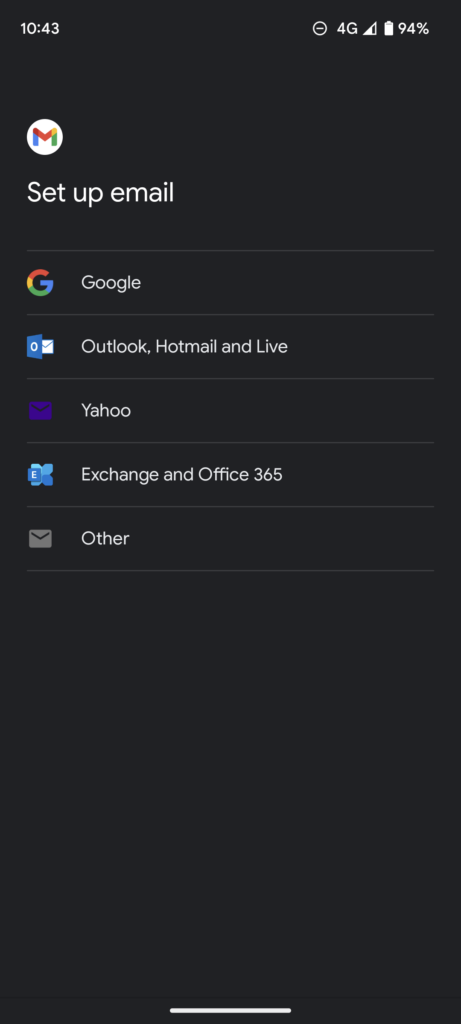
Click “Exchange and Office 365”.
You’ll be taken to a login screen:
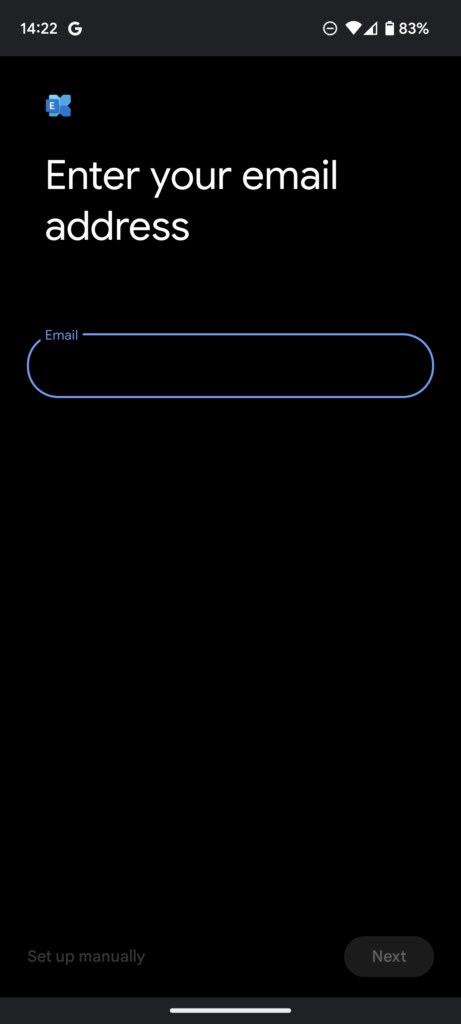
Enter your details in each menu until you land in your mailbox.
If you have any issues, please feel free to contact us here or by calling 01282 506 616.