Contents
Creating a new page
Log into your WordPress admin area as usual, then head over to Pages > Add New.

Click the “Edit with Elementor” button at the top of the page.
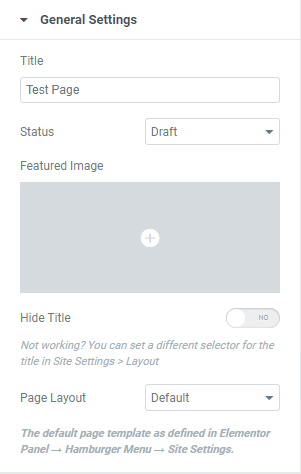
The Elementor page builder should then load. Click the cog in the bottom left hand corner to alter the page settings.

In here, you can change the page title, change the page status, set a featured image, hide the title or change the page template. In most cases, you will just need to change the title.
Editing existing pages
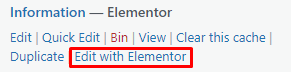
Navigate to Pages > All Pages from the WordPress admin area.

Find the page in the list, then click “Edit with Elementor”
Adding content to pages
When in the Elementor page builder, click the waffle icon in the top left hand corner to view a list of the elements you can add to your page.
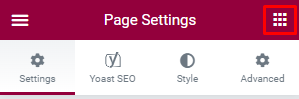
Simply drag an element to add it to the page.

You can then click the blue pencil icon to view the element settings in the sidebar.

Click the green Publish/Update button at the bottom to save your changes.