Spring is on its way, and just like you’d blitz the office kitchen or sort through the filing cabinet, your IT systems could probably do with a bit of attention too.
The good news is that a basic cybersecurity review doesn’t need to be complicated or time-consuming. Here are three areas to focus on — and what to look for when you do.
1. Software and operating system updates
Unpatched software is one of the most exploited vulnerabilities in business IT. Cybercriminals actively look for known weaknesses in outdated systems, and once they find one, they move quickly.
What to check:
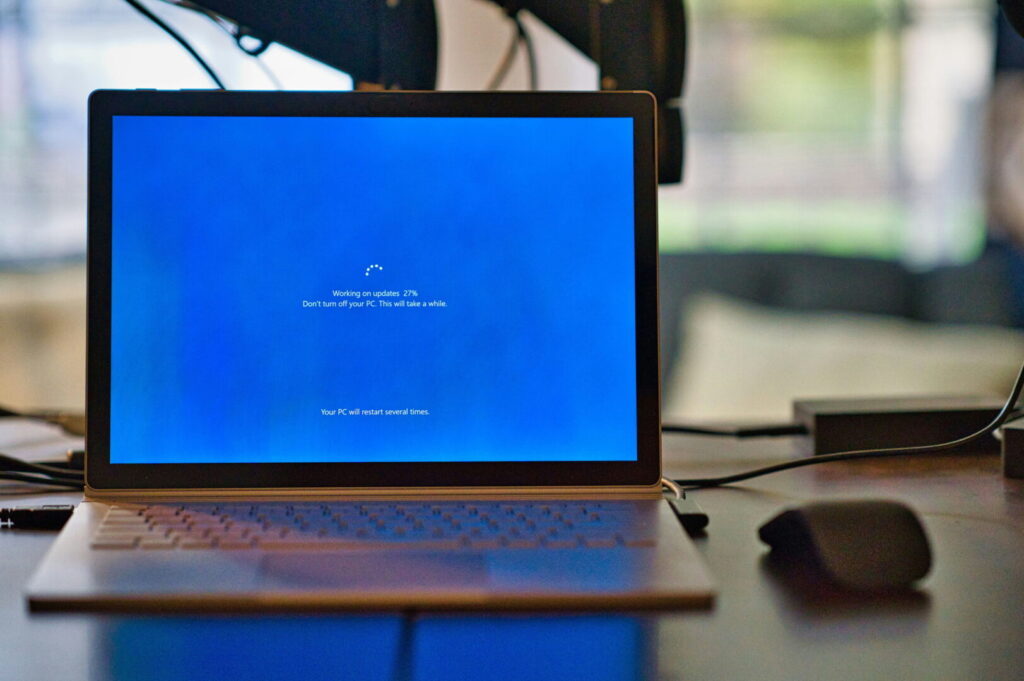
- Windows updates — are all devices running the latest version? (If you’re still on Windows 10, you’ll need a plan — it reached end of life in October 2025, meaning Microsoft is no longer issuing security updates.)
- Browser updates — Chrome, Edge, and Firefox all release regular security patches.
- Business software — accounting packages, CRMs, any industry-specific tools you use.
- Firmware on routers and network equipment — often overlooked, but just as important.
If updates have been disabled or ignored, that’s worth investigating. If you’re not a Bandicoot client, your IT provider should be handling this proactively — if they’re not, it’s a gap worth closing.
2. User access permissions
Access creep is a quiet risk that builds up over time. Staff change roles, leave the business, or bring in temporary help — and in the busyness of day-to-day life, old access often doesn’t get removed.
What to check:
- Are there any accounts for people who no longer work for you? These should be disabled immediately.
- Do your current staff only have access to what they actually need? Giving everyone admin rights is a common shortcut that creates real risk.
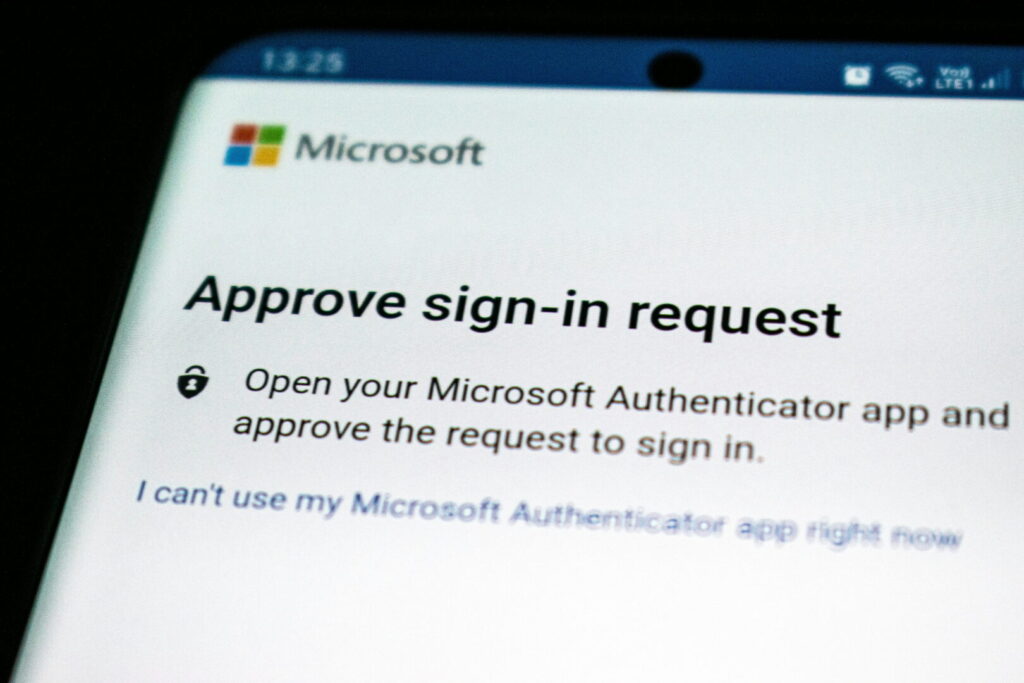
- Do you use multi-factor authentication (MFA)? If not, it should be a priority — it’s one of the most effective protections against unauthorised access.
Microsoft 365 makes it fairly straightforward to review and manage user access through the admin centre. If you’re not sure where to start, we’re happy to walk you through it.
3. Backup and recovery
This one surprises a lot of business owners. Many assume their backups are running fine — only to find out otherwise when something goes wrong.
What to check:
- Are backups actually running? Check the logs rather than assuming.
- Are they being stored somewhere separate from your main systems? A backup on the same machine that gets infected with ransomware won’t help you.
- When did you last test a restore? The only way to know your backup works is to try recovering from it.
If the answer to any of these is “I’m not sure”, that’s a sign it’s worth getting a proper check done.

What if you find something that needs fixing?
Don’t panic — most issues are fixable, and the fact that you’ve spotted them is the important bit. If you’d like a hand working through anything, or want a professional eye on your overall security posture, get in touch and we can have a chat.
Our Protect package covers ongoing vulnerability scanning, security reviews, and proactive monitoring — so rather than doing this manually each spring, it’s handled for you throughout the year.
Contact us or call us on 01282 506 617 — we’re always happy to talk through your options, no strings attached.